Sharing Options
During your session, you will need to share information with your attendees.
To share content, you will need to select the Share Content icon on the Teams Toolbar:

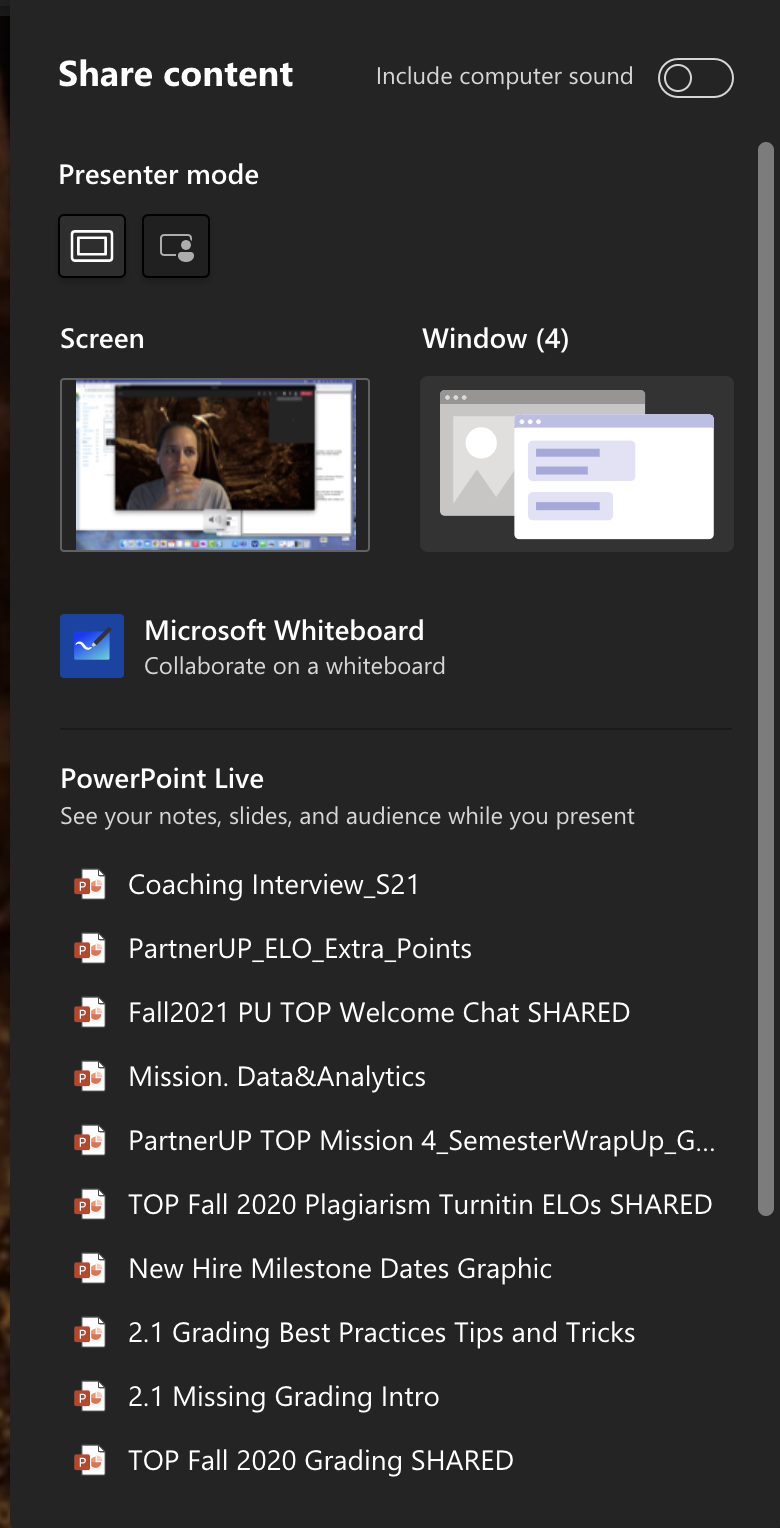

Make sure that you have any windows or apps you'd like to share open on your computer before you enter the session.